
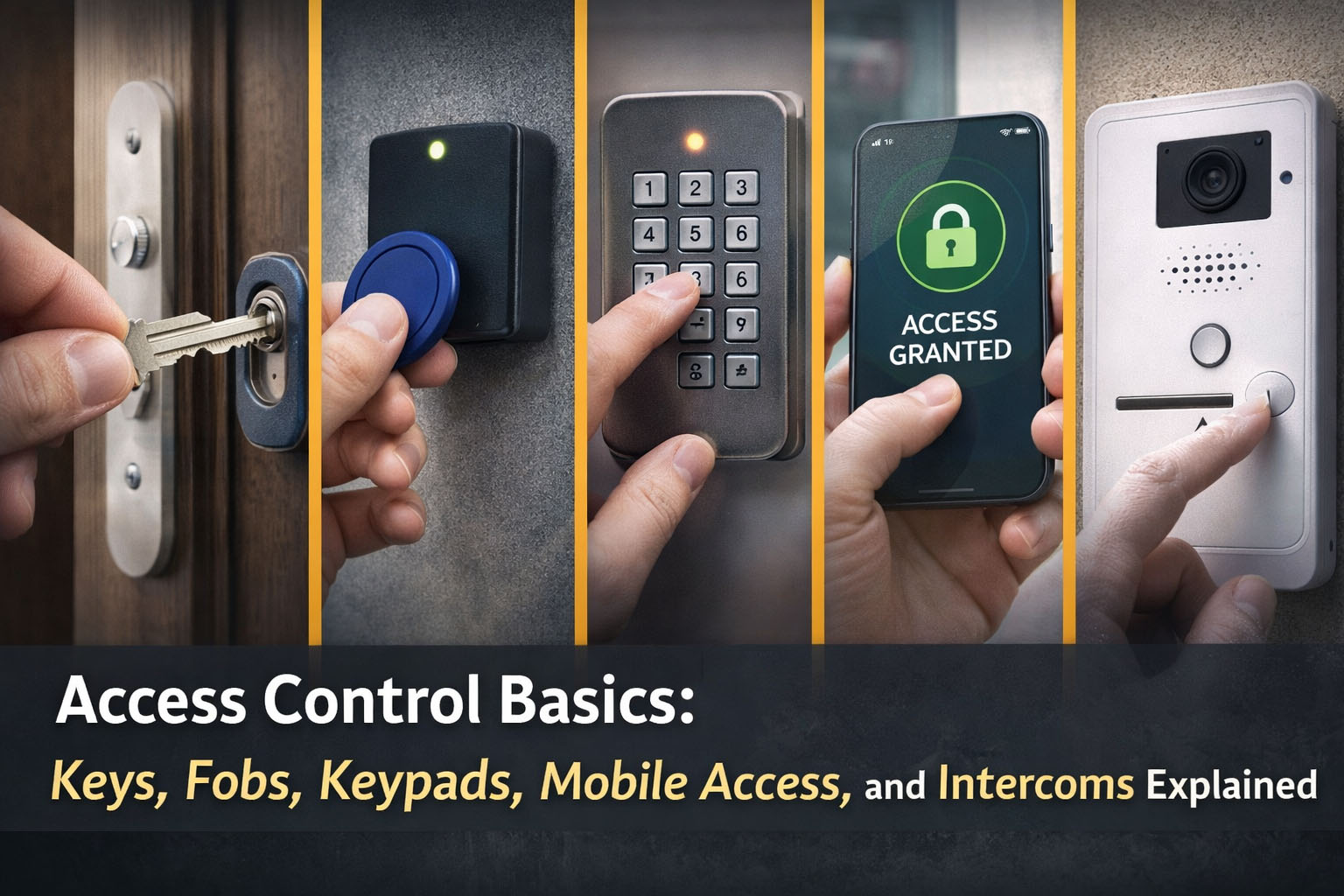
Access control is simply a way to decide who can enter which areas, and when. For a small business, it can be the difference between “anyone with a copied key can get in” and “we can grant, restrict or remove access instantly”.
If you are new to the topic, here is a straightforward overview of the main options and how they fit together.
Keys: familiar, but hard to manage
Traditional keys are simple, but they are also difficult to control:
- Keys can be copied without you knowing.
- If a key is lost, you may need to rekey locks.
- You cannot easily restrict access by time or person.
Keys still have their place, but as soon as you have staff turnover, contractors, or multiple doors, admin becomes messy.
Fobs and cards: common for SMEs
A fob or card system uses a reader at the door and a controller that checks whether the credential is authorised.
Benefits:
- You can issue and revoke fobs quickly.
- Lost fobs can be cancelled, without changing locks.
- You can maintain an audit trail of who used which door (depending on system).
- You can assign access levels, for example office only vs stock room.
Considerations:
- You need a process for issuing and retrieving credentials.
- You should avoid shared fobs for accountability.
Keypads: good for small teams and out of hours access
Keypads allow access via a code. They are useful for:
- Small teams who need occasional access.
- Deliveries or cleaners with time limited codes.
- Sites where you want to avoid handing out physical credentials.
The main risk is code sharing. Modern keypads can mitigate this with unique PINs per user and timed access windows.
Mobile access: convenience with control
Mobile credentials let users unlock doors via a smartphone app, Bluetooth, NFC or QR style credentials.
Benefits:
- No physical fob to lose.
- Permissions can be changed remotely.
- Some systems support easy visitor passes.
Considerations:
- Not every business wants staff using personal phones for access.
- You need sensible account management, including when staff leave.
- Connectivity and device compatibility should be checked.
Intercoms: managing visitors and deliveries
Intercoms sit slightly alongside access control, but often integrate well. They allow you to:
- Speak to visitors before granting access.
- Unlock doors remotely for deliveries.
- Create a controlled entry process for shared buildings.
For offices, clinics and trade counters, an audio or video intercom can reduce interruptions and improve security at the front door.
Electric locks and door hardware: what actually holds the door shut
Access control is not only the reader. The door must have suitable locking hardware, such as:
- Electric release for controlled entry doors.
- Magnetic locks for certain applications.
- Motorised locks for higher security needs.
A good installer will match the hardware to the door type and safety requirements, including fail safe or fail secure operation where appropriate.
Single door vs multi door systems
If you only have one door, a standalone keypad or reader can be fine. If you have multiple doors, or want an audit trail and central management, a networked system is usually better.
Typical questions to answer:
- How many doors now, and in two years?
- Do you need time schedules, for example weekday office hours?
- Do you need visitor management?
- Do you need remote administration?
A sensible next step
Access control works best when it is designed around your daily operations. Harpenden Alarms installs access control and intercom systems across Hertfordshire, Bedfordshire and Buckinghamshire, from single door upgrades to multi door sites. If you want to reduce key management, improve accountability, or manage contractors more safely, we can recommend a solution that fits your building and how your team works.